
Corrige la configuración de tus workloads, elige mejores nodos y escala con confianza gracias al ajuste autónomo.

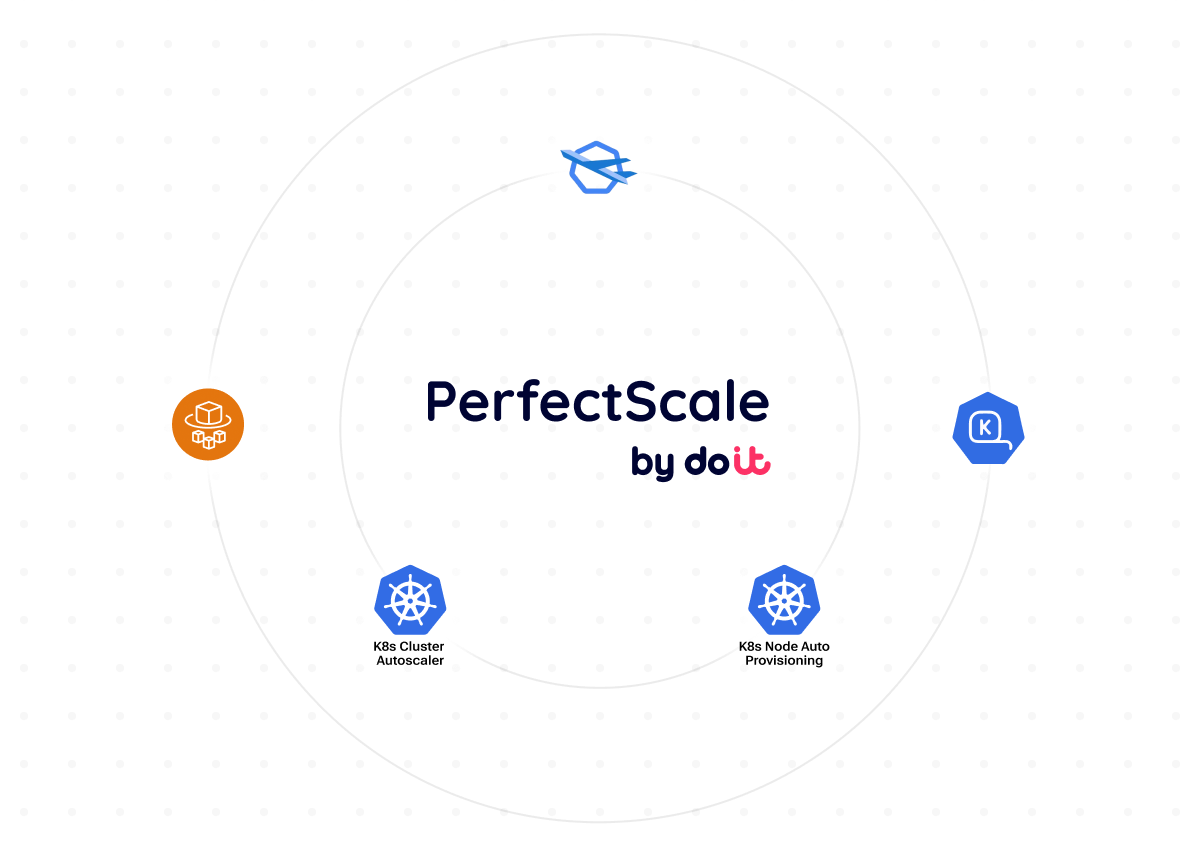
¿Estás escalando tus nodos de Kubernetes de forma eficiente?
Los autoscalers de nodos como Karpenter y Cluster Autoscaler son herramientas potentes para aumentar o reducir la cantidad de nodos según la demanda. Mejoran la disponibilidad de los clústeres y reducen los costos por recursos inactivos. Sin embargo, incluso con un autoscaling bien configurado, los equipos suelen enfrentarse a estos desafíos:
Contenedores sobreaprovisionados
Malgastan capacidad y obligan al autoscaler a aprovisionar más nodos de los necesarios.
Contenedores subaprovisionados
Provocan problemas de confiabilidad como desalojos de pods, presión sobre los nodos e inestabilidad en los workloads.
Bin-packing ineficiente
Reduce la eficiencia al dejar recursos subutilizados y provocar eventos de escalado innecesarios.
potencia el autoscaling con right-sizing autónomo de workloads y visibilidad del rendimiento
Corrige errores de configuración de forma proactiva
Al analizar continuamente tus workloads,
identifica y corrige errores de configuración
como CPU Request Not Set,
Memory Request Not Set
y Memory Limit Not Set,
para evitar desalojos impredecibles,
la sobreasignación de nodos
y un autoscaling ineficiente.
Right-sizing autónomo de tus workloads
Ajusta al instante los recursos de tus workloads según su utilización real y mejora el bin-packing de los pods
para aumentar la eficiencia del autoscaling, todo sin intervención manual.
Maximiza la eficiencia del autoscaling de K8s
Obtén una visibilidad excepcional de los costos y la utilización de tus grupos de autoscaling y node pools,
identifica ineficiencias
y selecciona los tipos de nodo óptimos para mejorar la utilización,
lograr una distribución precisa de los recursos
y maximizar la eficiencia de costos.
Reduce el costo de la nube sin sacrificar el rendimiento
Instálalo en minutos y obtén insights de optimización autónoma.
Frequently asked
questions
¿Qué es el autoscaling de Kubernetes?
El autoscaling de Kubernetes es un conjunto de herramientas potentes, como Karpenter, Cluster Autoscaler, HPA, PerfectScale, etc., que ajustan automáticamente los recursos del clúster según la demanda real. Estas herramientas aumentan o reducen los recursos de forma dinámica para mantener el rendimiento, la disponibilidad y la eficiencia de costos.
¿Qué tipos de nodo se adaptan mejor a los requisitos de mis workloads?
Los mejores tipos de nodo dependen de los requisitos de CPU, memoria, GPU, etc. de tus workloads. Los workloads intensivos en CPU, en memoria o basados en GPU requieren familias de instancias distintas. Alinear las características de los workloads con los tipos de nodo adecuados puede mejorar significativamente el rendimiento, el bin-packing y la eficiencia general de todo tu stack de K8s.
¿Mi configuración actual de autoscaling de Kubernetes está rindiendo al máximo?
Una configuración de autoscaling efectiva debe responder de forma dinámica a los cambios y evitar tanto la pérdida de recursos como la inestabilidad. Combinar la optimización a nivel de nodo con el right-sizing a nivel de pod mejora significativamente la eficiencia del autoscaling: mejor bin-packing, decisiones de escalado más rápidas, mayor rendimiento y menos gasto en la nube.