
Announcement
This page is also available in Deutsch, Español, Français, Italiano, 日本語, and Português.
Query PerfectScale from your terminal or AI agent
Look up clusters, workloads and costs from the PerfectScale CLI. Create a token in the new API Tokens settings.
By Anton Kalashnikau
·Shipped by
Bogdan Kirylyuk, Abror Kenjaev
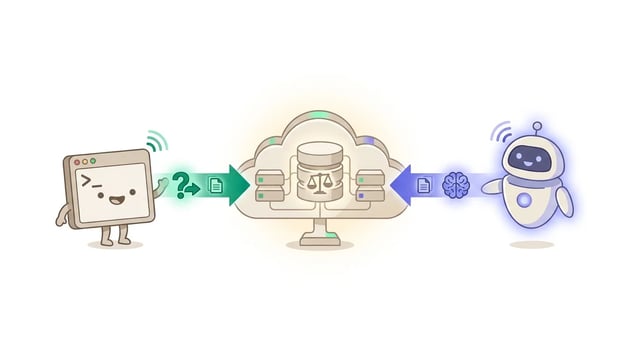
PerfectScale has a command line interface, pscli. Create a token in the new API Tokens settings and look up clusters, workloads and costs from your terminal, or let your AI agent do it.
What's new
- API tokens and cluster tokens now live in PerfectScale Settings. Tokens you created before show up there too.
- API Tokens shows each token's roles, creator, last use and expiration date.
- Create a token with the roles you hold and set it to never expire, or to expire after 30 days, 90 days or 1 year.
- The same token also unlocks InfraFit recommendations, including ready-to-apply Karpenter NodePool configuration. It covers the automation audit log for the last 30 days, too.
Get started
- Open More, then Settings, and select API Tokens.
- Click Create Token, choose the Read Only role and copy the Token ID and Token Secret. The secret is shown once.
- Install the CLI with
brew install doitintl/tap/pscliand runpscli auth login.
See the PerfectScale agent skill guide and API and cluster tokens.